Schedule per day
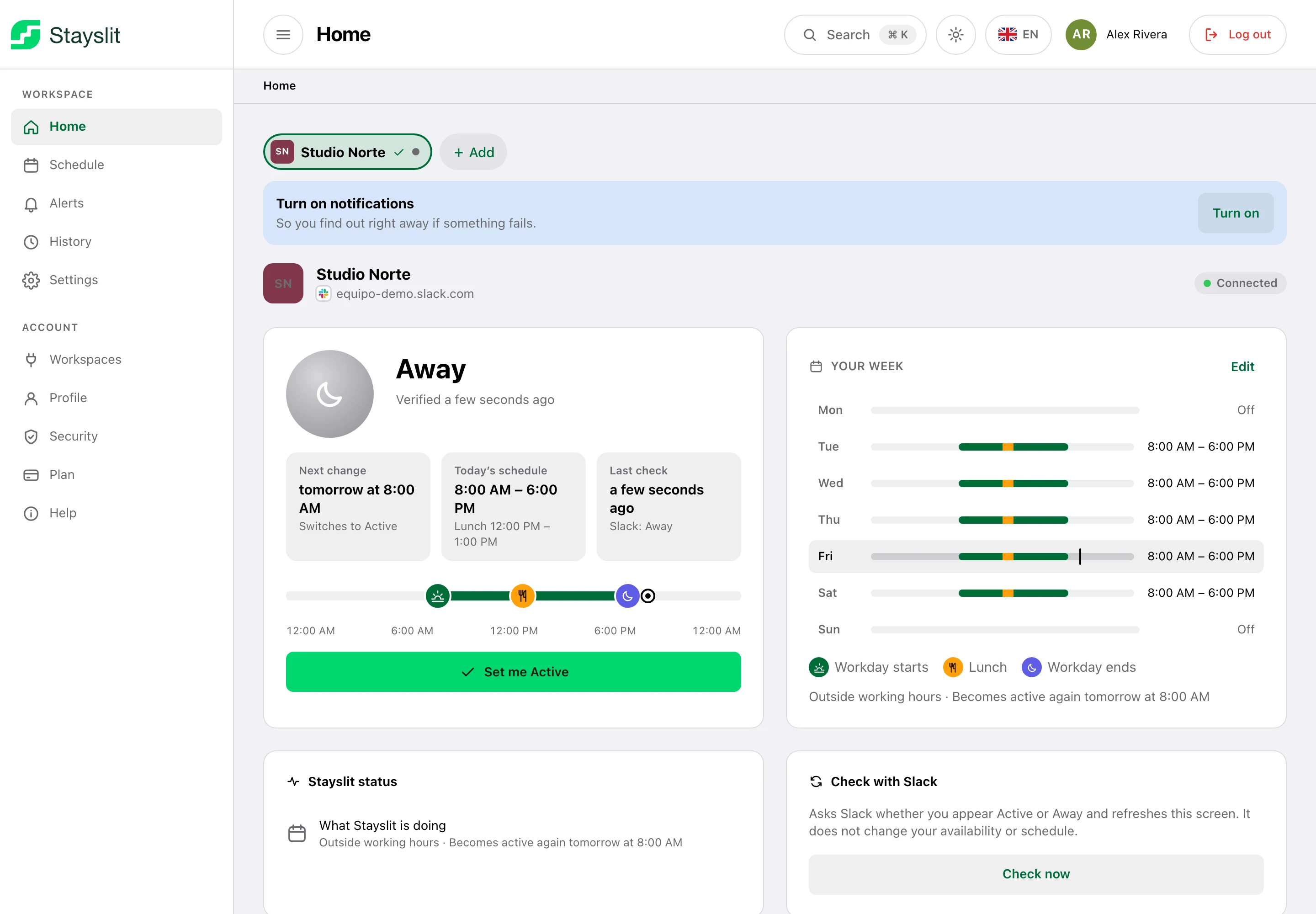
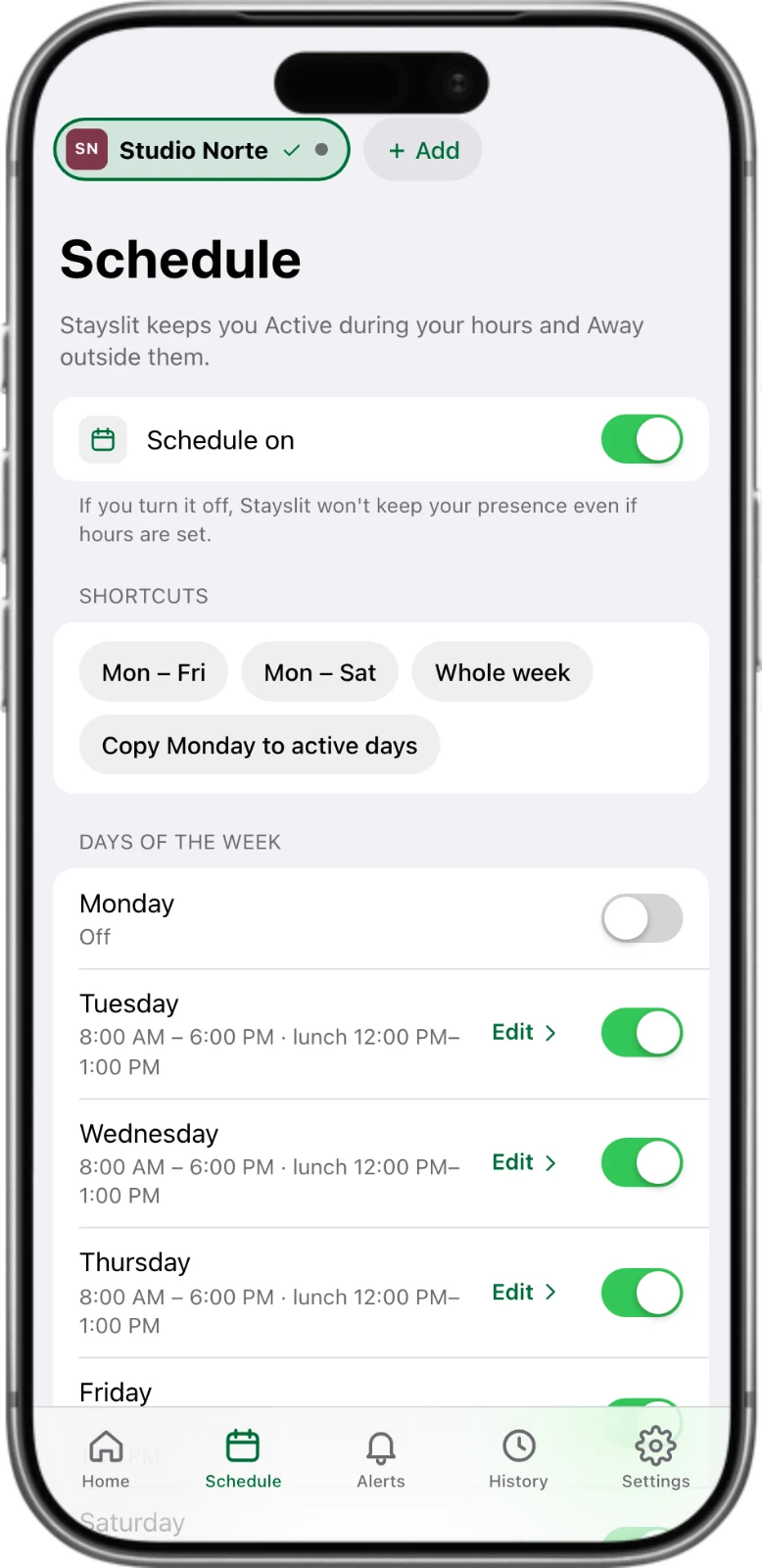
Different hours for each day of the week, an optional lunch break and your time zone (daylight saving included).
Stayslit keeps your status active during your working hours, from our servers — not your computer. Step away for a coffee, pick up the kids or work from your phone without looking “away”.
7 days free · No card needed · Cancel anytime
Stayslit
Available during your working hours. Away outside them. Even with your laptop closed.
Use our Chrome extension (one click) or paste your session manually. Your credentials are encrypted right away.
Pick your days and hours, add a lunch break and your time zone. Each day can be different.
Stayslit keeps you green on schedule and stops by itself when your day ends. You get an alert if anything needs you.
Built to be set once and forgotten — with controls for the days that aren’t like the others.
Different hours for each day of the week, an optional lunch break and your time zone (daylight saving included).
It works from our servers, so your status stays active with your computer off, asleep or at home.
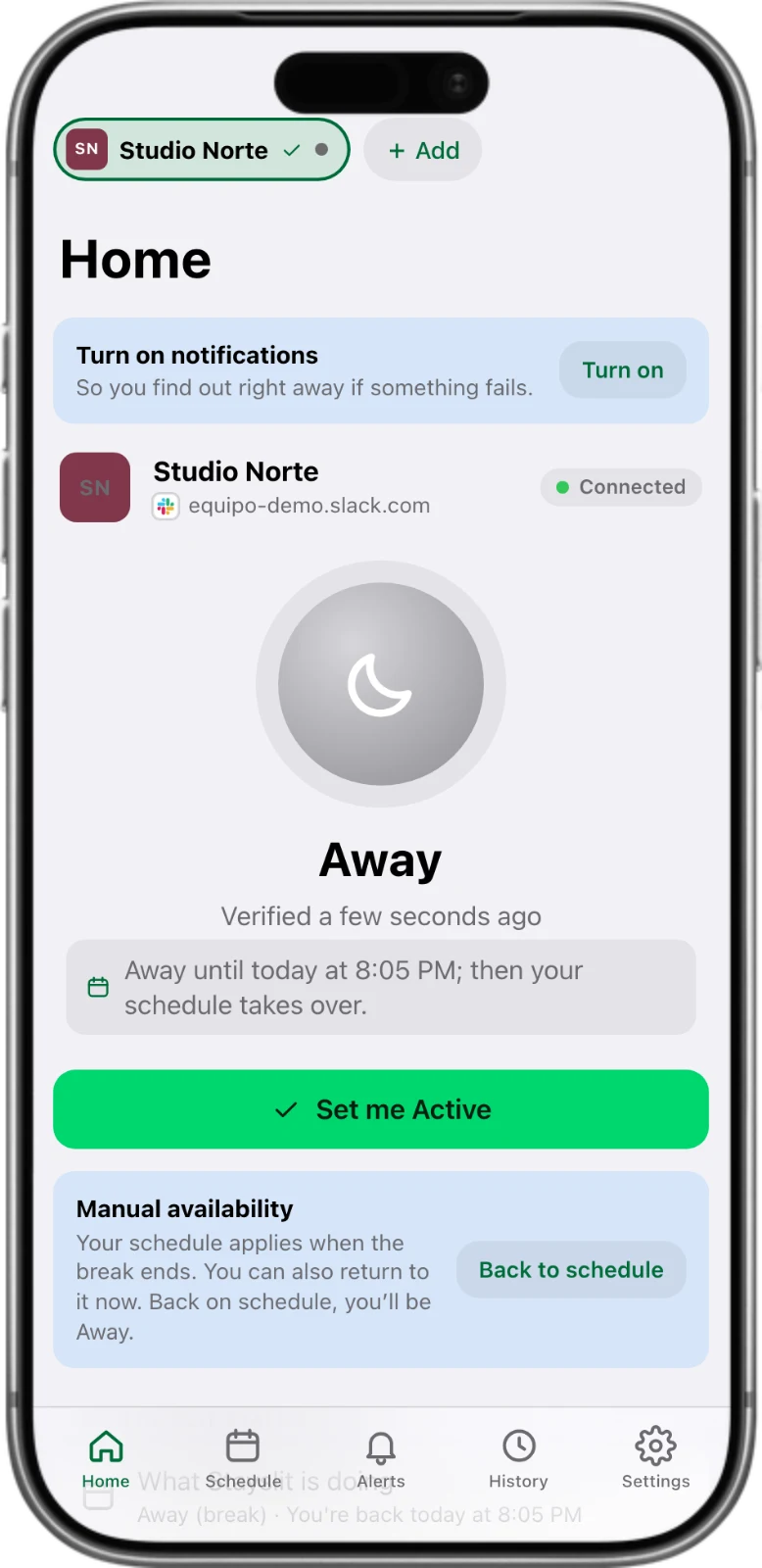
Take a 15, 30 or 60-minute break that ends on its own, pause until you resume, or switch on right now outside your hours.
Set a vacation emoji on your Slack status (palm tree, airplane…) and Stayslit pauses itself until you remove it.
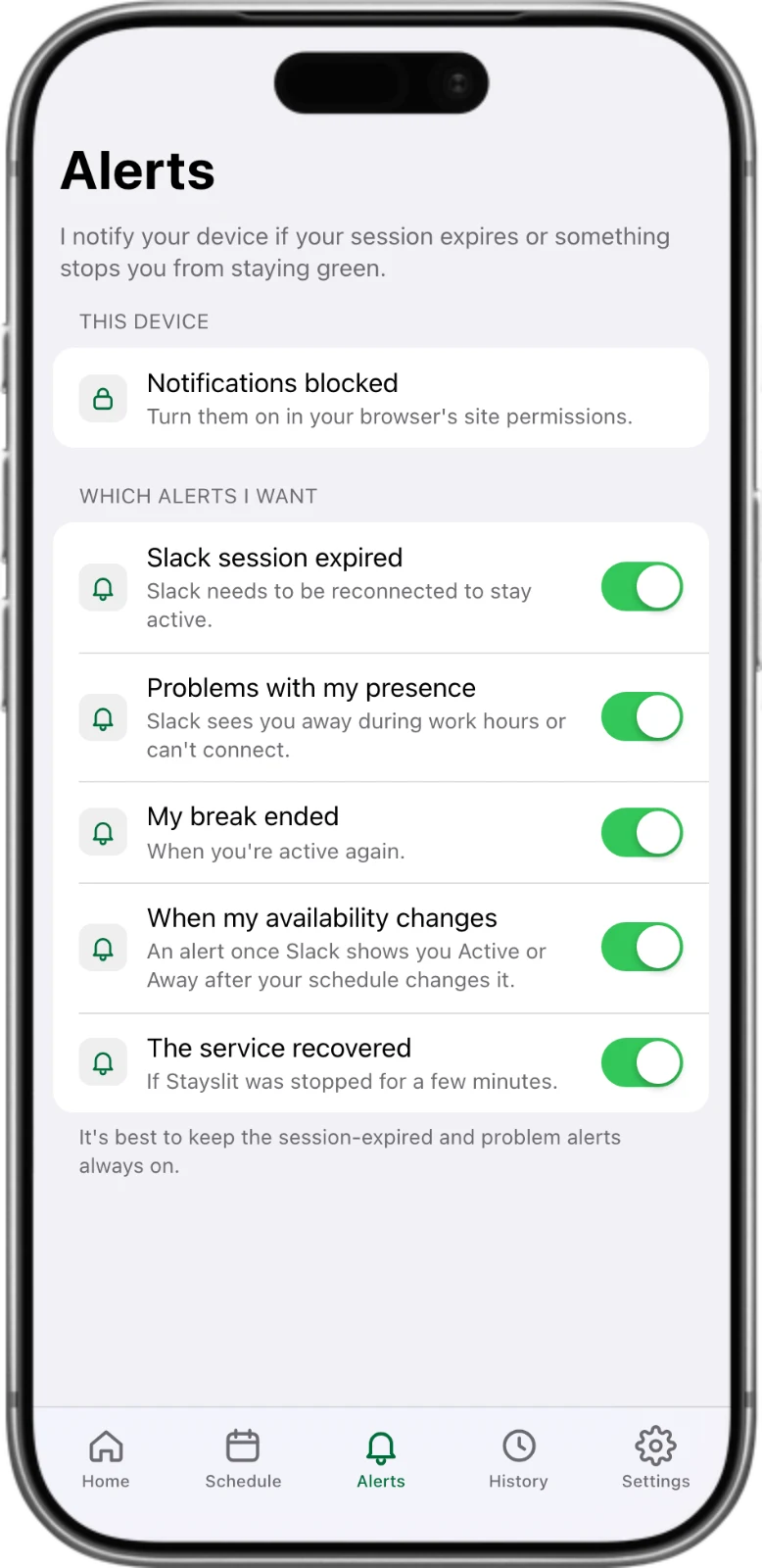
Install the app on your iPhone or Android and get notified if your session expires or something needs your attention.
Every two minutes Stayslit asks Slack how it sees you. If something is off it fixes it on its own and only bothers you if it persists.
See when you were kept active, breaks, adjustments and every change — day by day.
Passkeys, two-step verification, device list and account activity. Your Slack credentials are encrypted.
Stayslit only touches your presence (the green dot). It never reads, sends or deletes messages, and applies Active during your schedule and Away outside it. Manual changes made in Stayslit take priority. Whether you can use it at your job is your decision — check your company’s policies.
Try it free for 7 days. Then $5 a month billed yearly, or $9 month to month.
See pricingPlain-language guides, with no tricks and no promises we can’t keep.
How Slack decides whether you’re active or away, how to control it, and where its limits are.
If Slack shows you away while you’re working, one of a handful of things is usually going on.
Four approaches, compared honestly.
Yes. Stayslit runs on our servers, so your computer can be off, asleep or in your bag.
No. It only keeps your presence (the green dot). It never reads, sends or deletes messages, channels or files.
Not yet. Teams support is on the way; today Stayslit works with Slack.
You get 7 days free with every feature, no card needed. It starts when you connect your first workspace. When it ends, Stayslit pauses and keeps your settings until you subscribe.
It depends on your company. Stayslit is a tool; whether to use it is your decision and your responsibility. Check your employer’s policies and Slack’s terms.
Set it up once in about two minutes and Stayslit takes care of the rest, every working day.
Start your free trial7 days free · No card needed · Cancel anytime
Your day. Your rhythm.
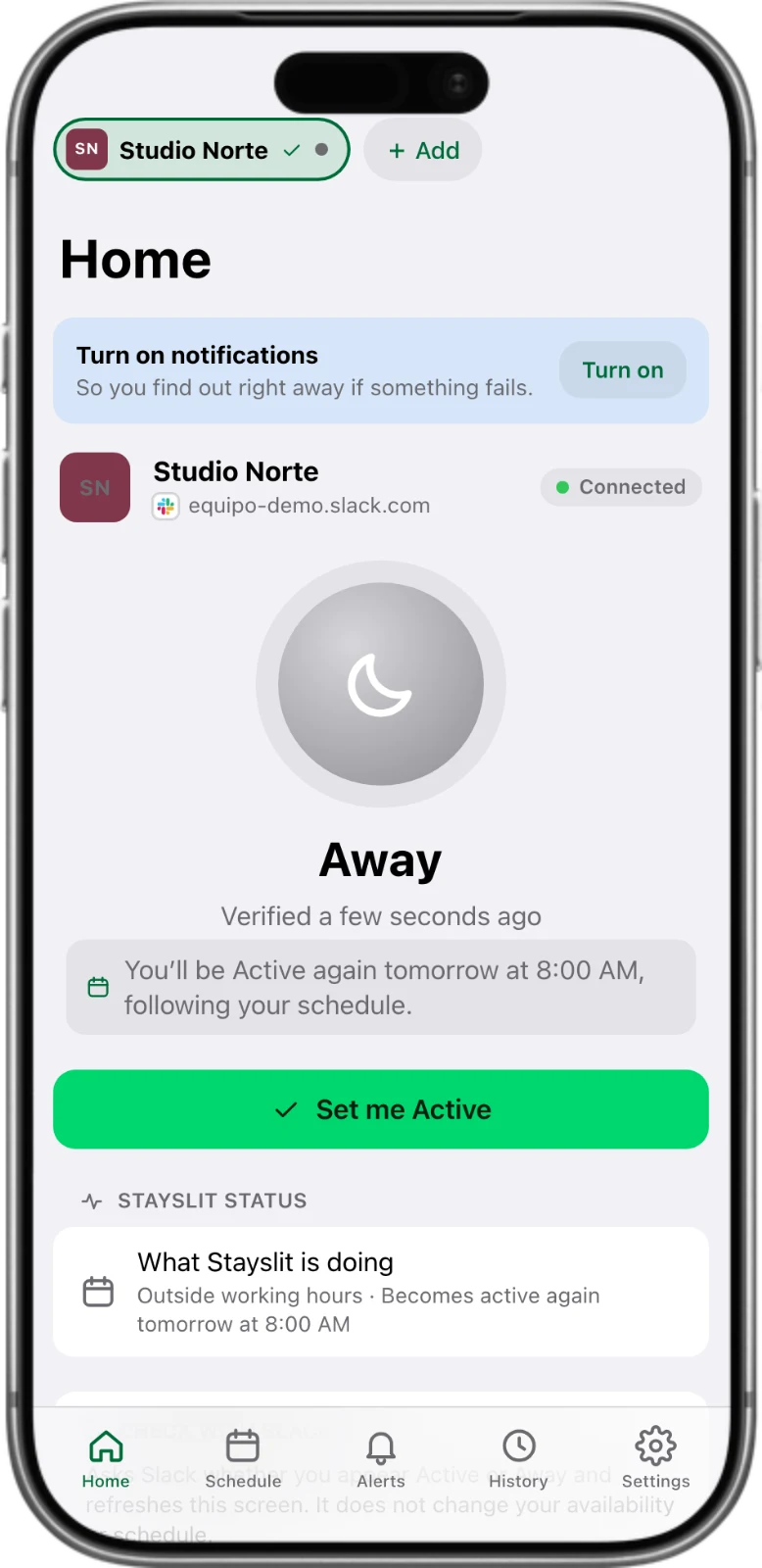
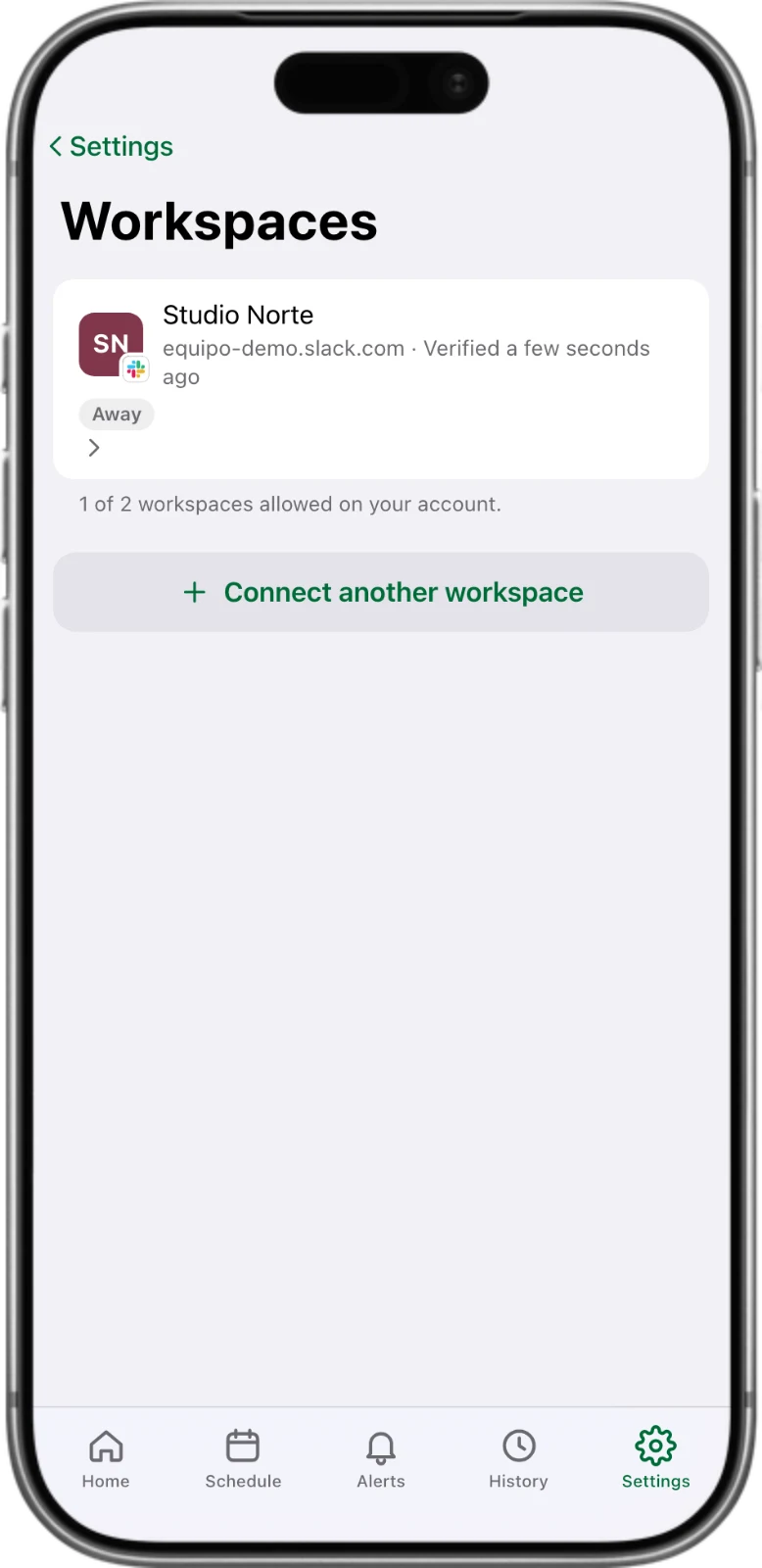
Set your week on the desktop. Take control from your phone. Stayslit keeps your Slack availability in sync with your schedule.
Preview unavailable
Preview unavailable
Preview unavailable
Preview unavailable
Preview unavailable